Contents
What the policy says
| Point | What is written |
|---|---|
| Billing model | An opt-in subscription billed on a recurring basis — monthly, quarterly or yearly |
| Renewal | Automatic at the end of each period unless you cancel before the renewal date |
| After cancelling | Subscription benefits stay until the end of the current billing period, then the account is downgraded |
| Refunds | Not provided for unused time, partial months or dissatisfaction with the service (Terms, section 13) |
| Deleting the app | Does not cancel the subscription — the policy calls this out explicitly |
Nomi Cancellation Policy and Terms of Service, read 23 September 2026.
Bought on the website
- Press the Profile icon at the bottom of your Nomi home screen and open the Subscription tab.
- Press Manage Subscription, scroll down, press Cancel Subscription and confirm.
- If that screen tells you to cancel via an app, your subscription belongs to a store — use the store instructions below.
Bought in Google Play or the App Store
- Google Play Play Store app → profile icon → Payments & subscriptions → Subscriptions → the Nomi subscription → Cancel subscription. Make sure you are in the Play account that paid.
- App Store Settings → your Apple ID → Subscriptions → the Nomi subscription → Cancel Subscription. Same iCloud account as the purchase.
- From the Nomi app Profile → Subscription → Manage Subscription → Cancel Subscription works for store purchases too.
- Still stuck support@nomi.ai — the policy points there for cancellation problems.
Cancel before the renewal date
Nomi's policy: cancellation must be completed prior to the renewal date to avoid being charged for the next period, and there is no refund for unused time.
If the reason is price
The case for Nomi
Nomi's cancellation is fair — access runs to the end of the paid period. But prices are only visible after signing in, and nothing is refunded.
The case for HoneyChat
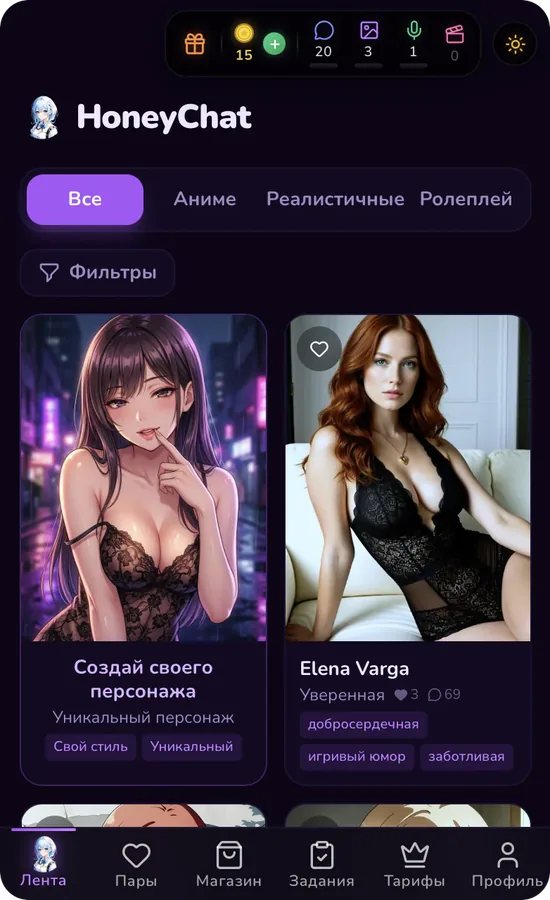
HoneyChat publishes all six plans before sign-up, bills monthly from $4.99 and gives 20 messages and 3 images a day for free, with no card and no account.